Fig. I · Saved videos screen
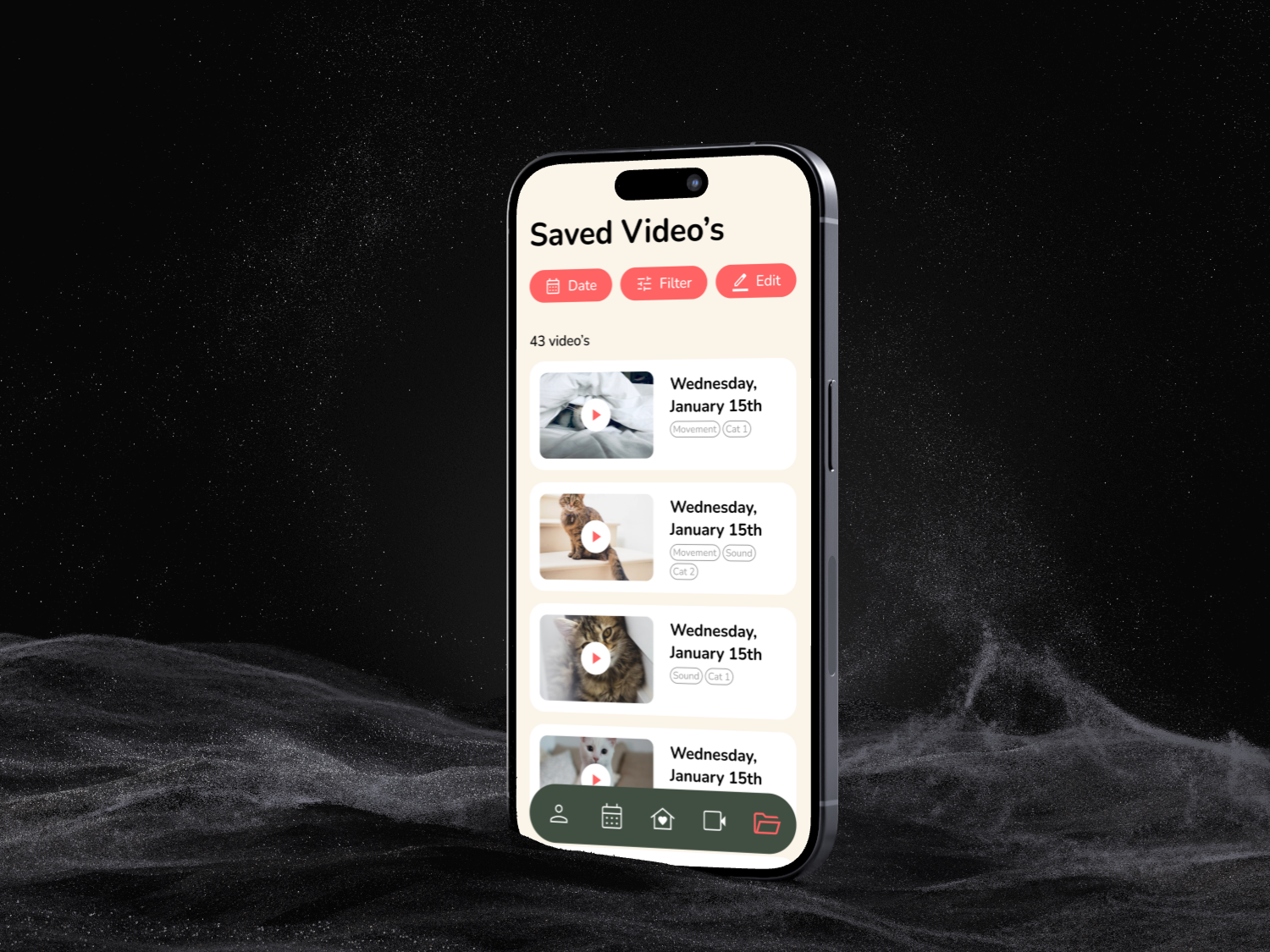
Our brief was to design Baque, a companion app for a smart cat feeder with a built-in camera. The target group: millennials aged 26 to 41 with busy, often chaotic work lives. People juggling work and home life, especially since the corona crisis blurred the lines between the two.
The goal was to give them peace of mind that their cats are well cared for, even when they aren't home. Schedule meals remotely, watch back recorded footage of the cat playing, even talk to the cat live.
We started with the branding of our team, "Mauve," and researched our target audience's lifestyle. From that research, each teammate built a mood direction:
Modern and minimalist for a calm, organised feel (mine). Youthful and cheerful with a playful energy (Janneke). Cottagecore and cosy with a warm vibe (Jeacqke). Vintage and retro with a nostalgic, relaxed feel (Julie).
After three iterations of sketches, tests, and feedback, the team chose the modern minimalist direction. It fit the busy, organised lives of our target group best. Cleanness over playfulness.
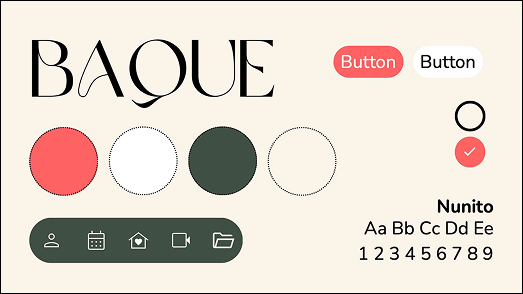
Before designing individual screens, we set the system together: Nunito as the typeface, a warm palette built on salmon-pink and forest-green accents, rounded corners on every element, and no sharp edges in icons or tabs.
That shared system was the multiplier. It let me focus on interaction patterns instead of reinventing visual choices per screen. It also made our four individual app sections feel like one cohesive product.
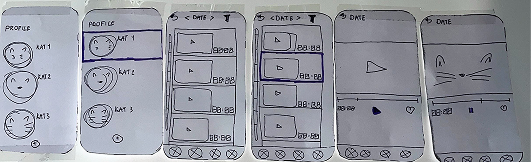
I was responsible for Chapter 1: Reviewing saved videos. The screens for the saved-videos overview, playback, editing tools, filtering by date and type, and sharing. All within the system we built as a team.
The challenge: keep it simple and joyful (it's a cat app, after all) while still giving users real control over their recordings.
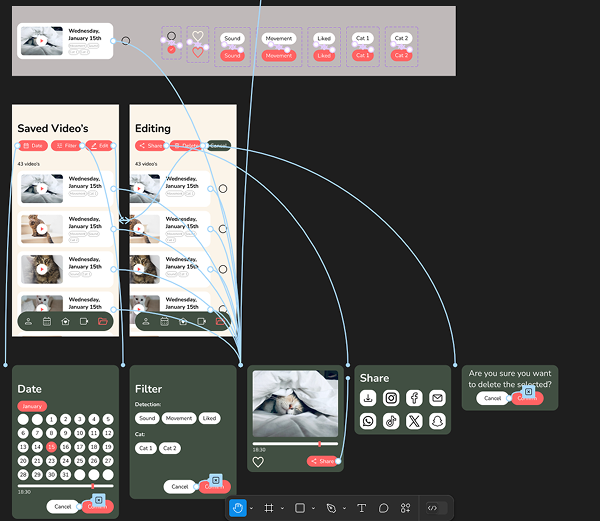
The navigation bar (redesigned). The first version was a rectangular green block. After testing, we redesigned it to softer shapes and changed the green tint, because users found the original visually heavy.
Date view as an action button. With many saved recordings, users wanted to jump to a specific day. The date filter became a primary action at the top of the list.
Keyword filter inspired by elsewhere. We borrowed the filter pattern from clothing sites and security camera apps: filter by sound detection, movement, liked clips, or specific cat. Familiar interaction, new context.
Bulk select and edit. Editing videos one by one was slow. A multi-select mode lets users delete, share or download many at once. Confirmation dialogs ("Are you sure?") prevent accidental deletes.
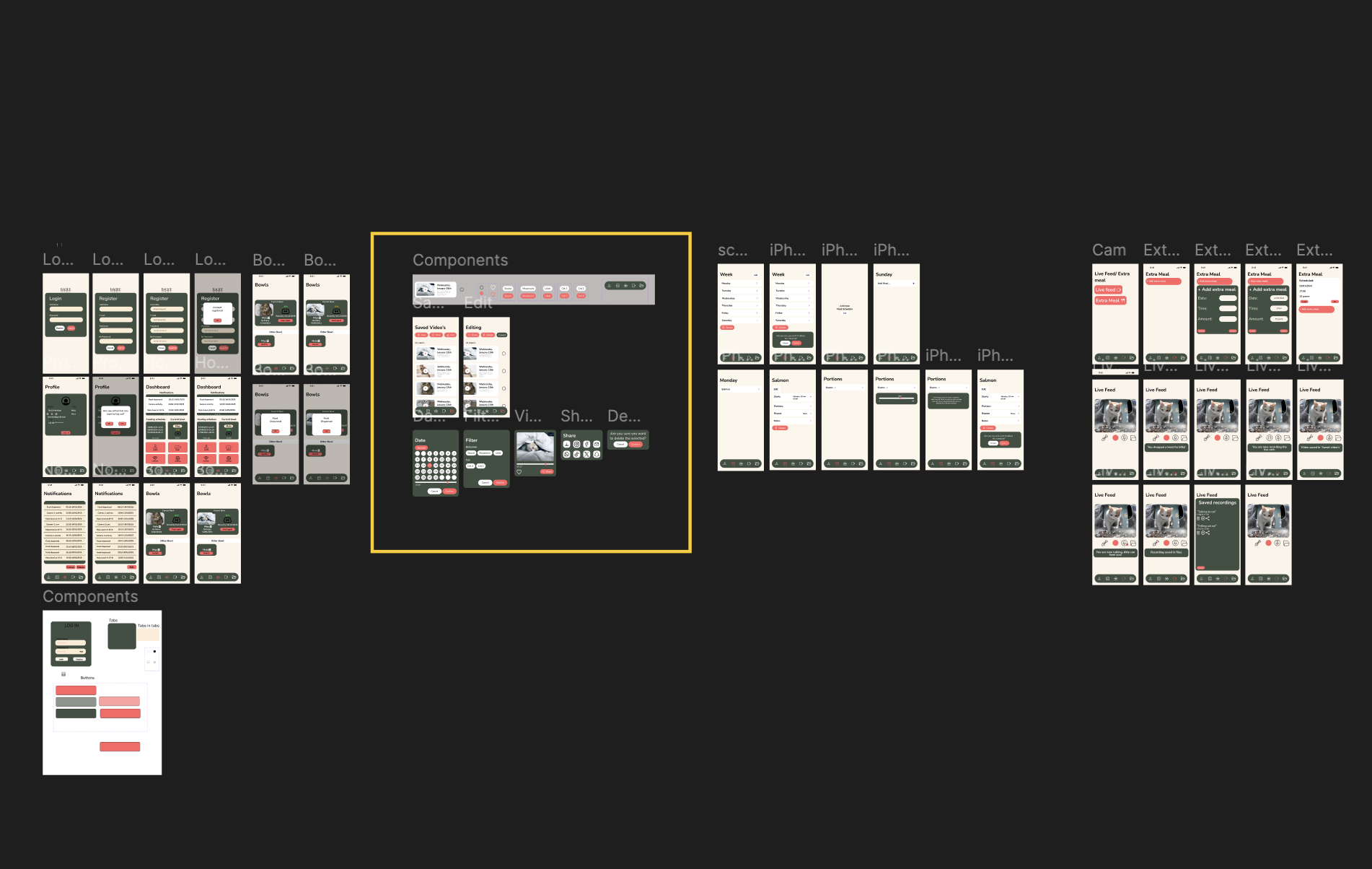
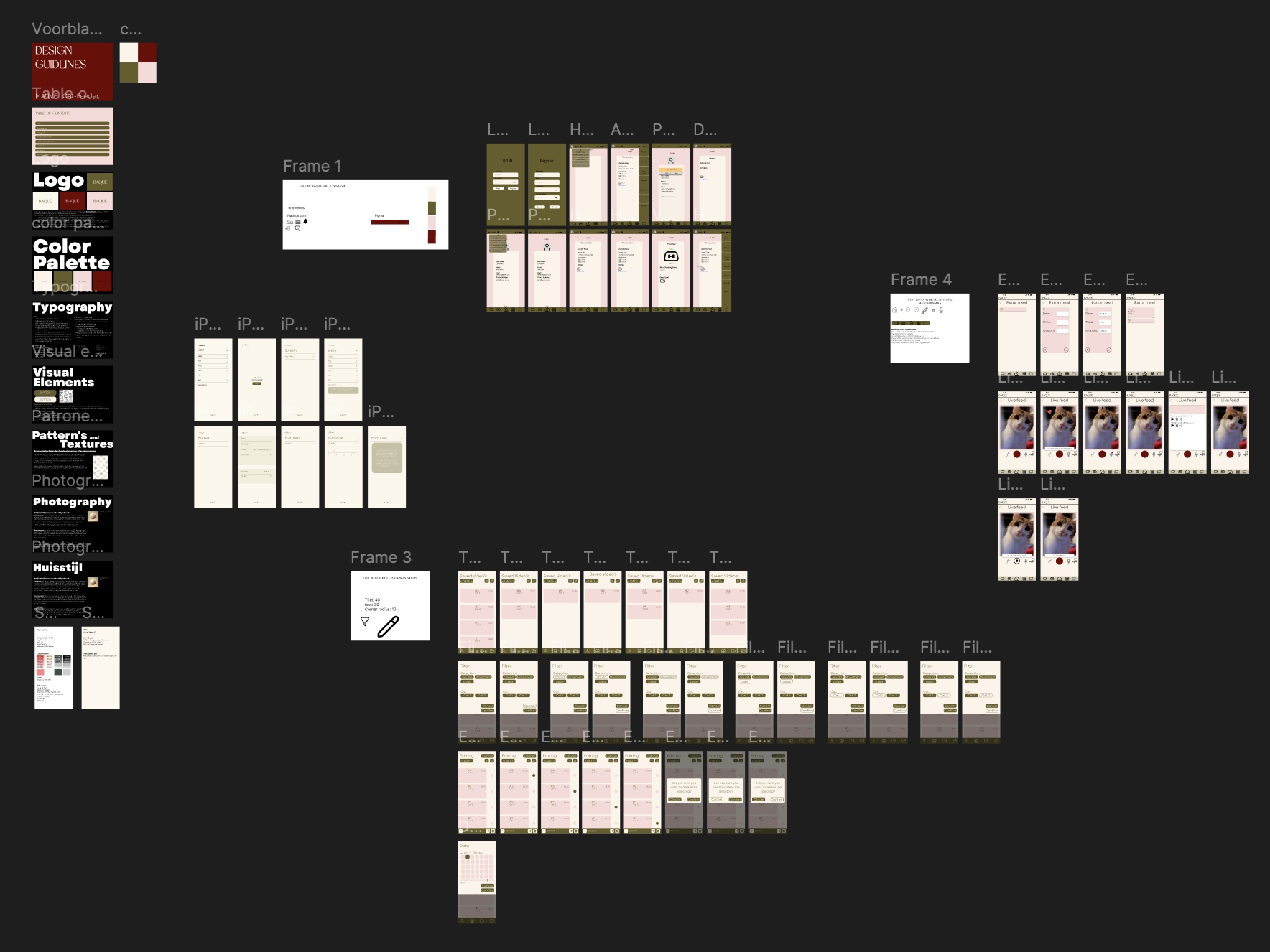
Early on, I set up a shared document so everyone could track the collective work. It gave us overview and prevented overlap. When we fell behind, I'd message the group with a clear list of what still needed to happen and ask who needed help.
During presentation prep, I suggested adding a visual timeline slide that made our process clearer to follow. The teachers responded positively in their feedback after the presentation.
My teammates mentioned in their peer evaluations that they appreciated my drive and initiative. That confirmation meant a lot.
From Tanja: the app was clear, the style was consistent, and the confirmation patterns ("Are you sure you want to delete?") landed well. The advice: explain design choices in relation to the concept and target audience more explicitly, and learn about each teammate's work so the project reads as one whole at the expo.
From Theo: the app is easy to follow, simple and intuitive. He flagged that the Life Feed section didn't respond to clicks (it wasn't finished) and that the dashboard could feel busy. Honest feedback I carried into the next iteration.
Working on these screens made it click. I discovered I genuinely enjoy building interfaces.
Calmer colours. The clients felt the red/orange of the action buttons was too contrast-heavy and could be replaced with subtler tints for a friendlier feel.
Consistent level of finish. Some sections (like the video flow) were fully designed, while others (Life Feed) stayed unfinished. The mix made the experience feel inconsistent.
A lighter dashboard. The schedule home page felt busy. Replacing text with icons would make it more scannable. All things to push into the next round.
This was my first real UI project, and it changed how I see myself as a designer. Working on these screens made it click. I discovered that I genuinely enjoy building interfaces: deciding how things are spaced, how a button feels, how a flow connects.
The reflection I wrote at the end of the project stays with me. Start: plan my presence better, so I'm there for the conversations that matter. Stop: doubting too much and reworking what was already good enough. Continue: taking initiative when no one else does. My team noted in week 8 that they appreciated it. That's what keeps me doing it.